
Space Guardian
7,396
Get ready for an exciting space shooter where you play the hero defending Earth from alien invaders. Automatically, laser fire activates when enemies approach from above. Stay vigilant of your red health bar located in the top left corner; it decreases when you're hit, impacting both your health and score based on the severity of the damage. Customize your audio experience by adjusting the music and sound effects to suit your preferences, and remember, you can mute everything if needed. Can you eliminate all the alien threats and secure Earth's safety?
Recommended Games
★ 4.3
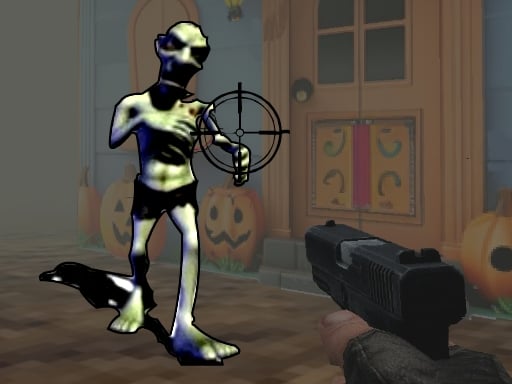
HALLOWEEN 2024 FPS SHOOTER
Use WASD keys to move your character in the game world. Aim and shoot using your mouse. Adjust your position with the WASD keys to navigate through levels and target enemies or objects by pointing and clicking with your mouse.
4,517

★ 4.3
Grimace Versus Skibidi
Click or tap the screen to interact and progress in the game. Use these inputs to trigger actions, select options, or navigate through different levels and scenes. Each click or tap should be precise to achieve the desired outcome in the game's environment.
3,141

★ 4.1
Ping Pong Shooter
Desktop: Right-click to launch the ping pong ball towards opponents. Mobile: Tap the screen to shoot. Scores and levels display at the top center, aiding tracking of progress.
7,320
★ 4.6
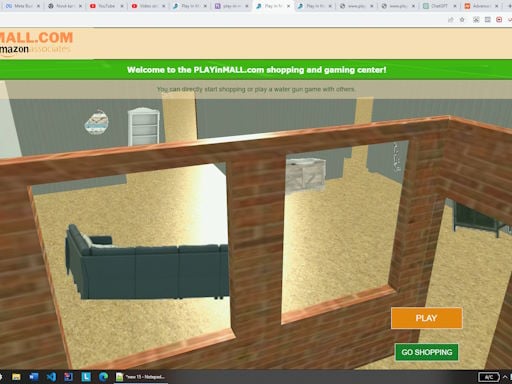
Play In Mall
In this game, players use either PC controls or mobile touchscreen controls. On PC, WASD or arrow keys move the character, while mouse clicks handle rotation, shooting, and selecting. For mobile devices, a bottom-left touch joystick moves the character. A bottom-right joystick rotates and shoots simultaneously. Upper-left touch for shooting, and upper-right touch for rotating provides alternative control options, enhancing accessibility and gameplay experience across different devices.
4,689

★ 4.4
Skibidi Toilet Shooter
Desktop: Use arrow keys to move, spacebar to shoot; alternatively, use on-screen buttons for movement and shooting. Mobile: Utilize on-screen arrow buttons for moving and tapping to shoot.
4,587

★ 4.2
FNAF Shooter
Click or tap on the screen to interact and progress through the game. Use your mouse or finger for actions as prompted.
7,775
★ 4.2
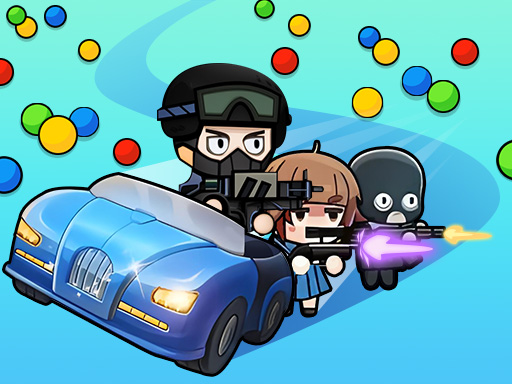
Snake Train Zone
Click or tap the screen to interact and play.
3,642
★ 4.8
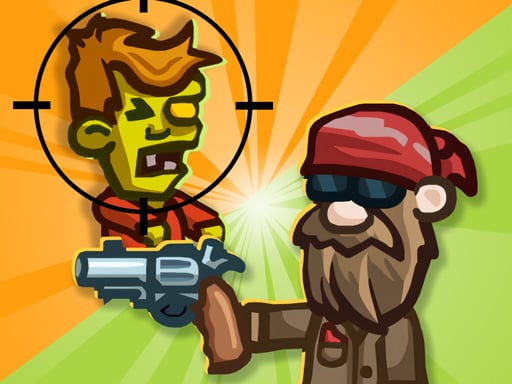
Stupid Zombies Online
Hold the button to aim your shot, and release the button to fire. The longer you hold, the more precise your aim becomes, allowing for accurate targeting. Release quickly for a faster, less precise shot or hold longer for precision.
5,422
★ 4.2
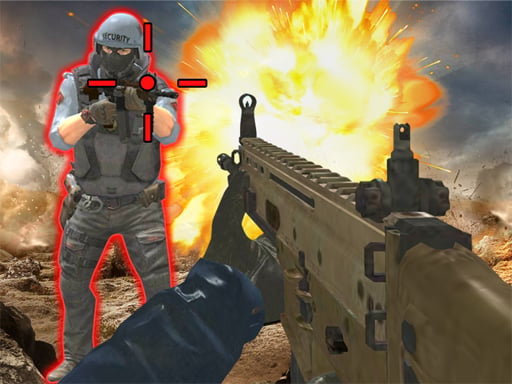
Call of Bravery Shooter
On PC, use WASD for movement, mouse for aiming and firing, and R to reload. Use numbers 1, 2, 3, 4 to switch between weapons. On Mobile, drag the wheel to move and tap the buttons to shoot.
4,193

★ 4.0
Cartoon Bricks Vip
Hold the screen to aim and swipe to shoot the ball. Position yourself strategically for optimal angles to break bricks. Bricks disappear when their durability hits zero. Avoid letting any brick touch the bottom; doing so ends the game. Control the ball's direction with your movements.
4,943

★ 4.0
Boom Stick Bazooka 2 Puzzles
The goal is to defeat all enemies using only 3 shots from your bazooka. Destroy enemy structures and target stickmen by hitting them with heavy objects or detonating nearby barrels. Aim and fire using the mouse or tap to shoot on touchscreen devices.
6,822
★ 4.4
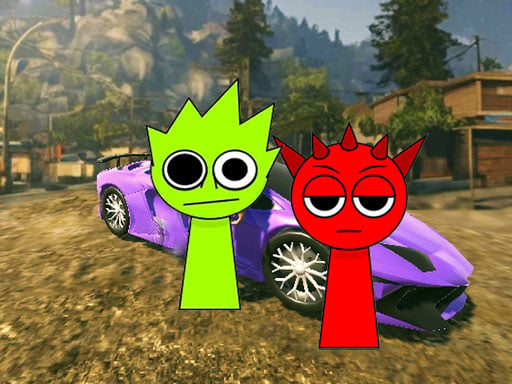
Sprunki Gangster Mafia
Tap the screen to start the game and continue tapping to control your character's actions or movements. Each tap can represent a jump, attack, or interaction depending on the game's context. Tapping strategically will help you overcome challenges and progress through levels.
5,935
★ 4.5
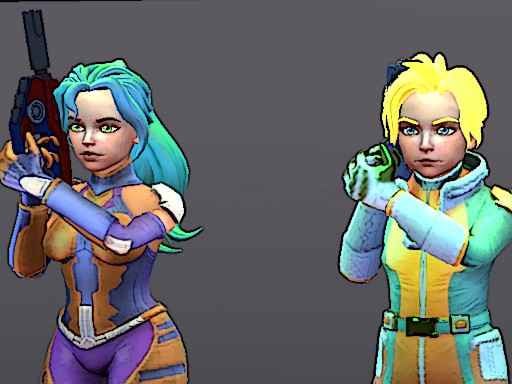
Legends Arena
Navigate using WASD. Switch weapons with the mouse wheel or 1 2 3 4 keys. Sprint by pressing Left Shift. Reload with R. Crouch with C. Jump with Spacebar.
6,082
★ 4.0
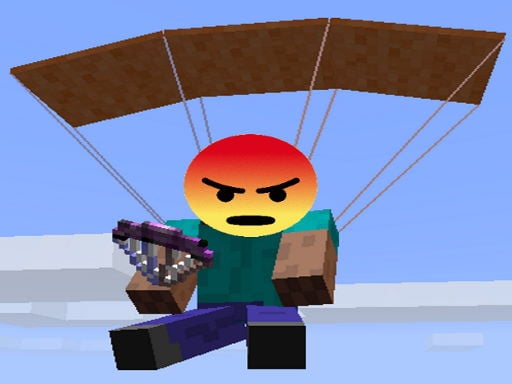
Noobik Battlegrounds
Walking uses W A S D on PC and involves moving a joystick on screen for smartphones. For shooting and aiming, use the mouse on PC and tap a button on screen for smartphones. To exit any transport, press F on PC or tap a designated button on screen for smartphones.
7,828

★ 4.4
Crazy Strike Force
Movement is controlled using WASD or arrow keys. Fire by left-clicking, aim with right-click, jump with Space, slide while running, press Q to crouch, C for run, hold Left Shift. Switch weapons using 1, 2, or 3. Interact, pick up a weapon, or throw a dynamite by pressing E or F.
7,445

★ 4.4
Shoot Some Fish!
Use Mouse Swipe to shoot fish, dodge their attacks, and survive with 5 lives through 10 challenging levels. Encounter 7 unique fish species, each with distinct speeds, in dynamic day and night underwater settings.
3,381
★ 4.4
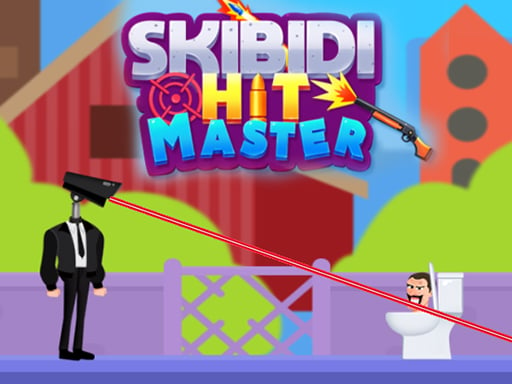
Skibidi Hit Master
Drag your finger across the screen to aim, then click to fire. Adjust your aim by dragging longer or shorter to control the distance of your shot. Practice to improve accuracy and timing for strategic gameplay.
7,717

★ 4.4
Sprunki Shooter 2025
Navigate using arrow keys and aim with the mouse to shoot.
5,108

★ 4.2
Metal Shooter Brother Squad
Use the mouse to control the joystick. Click the left mouse button to aim and release to fire the gun. Press 'S' to shoot, 'D' to throw a grenade, and 'SPACE' to jump.
3,630